
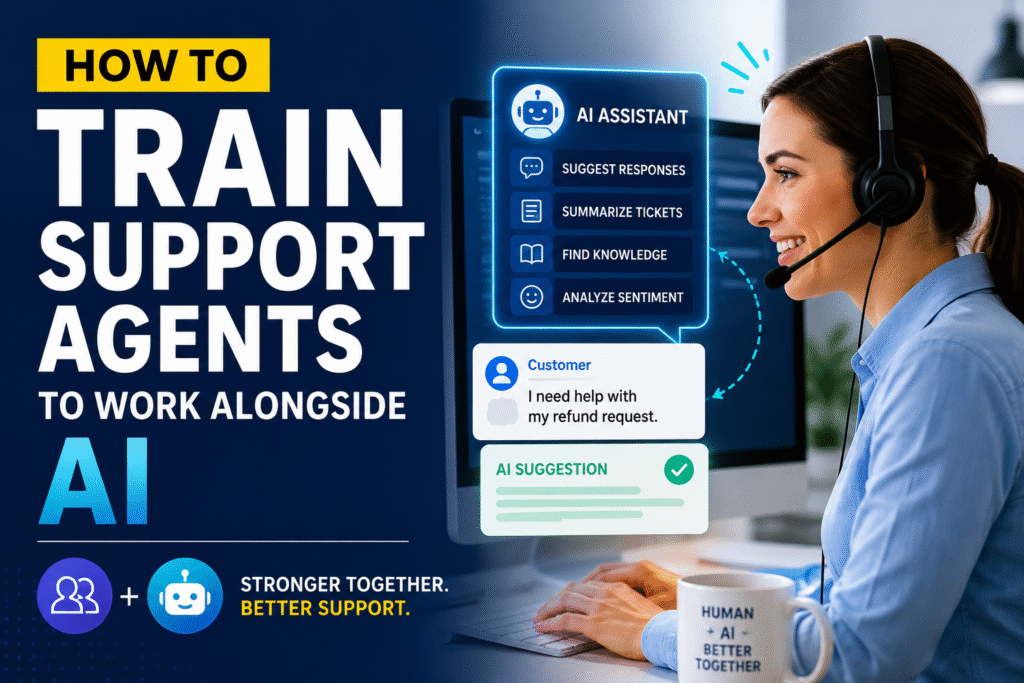
Artificial Intelligence is rapidly changing the customer support industry. AI can summarize tickets, suggest responses, analyze customer sentiment, recommend solutions, and automate repetitive tasks. However, one common mistake support leaders make is assuming that AI will replace support agents.
The reality is very different.
The future of customer support is not AI replacing humans. It is humans and AI working together.
The most successful SaaS companies are training their support agents to use AI as a productivity tool rather than viewing it as a threat. Organizations that fail to prepare their teams often experience low adoption rates, poor customer experiences, and resistance to change.
This article explains how support leaders can effectively train support agents to work alongside AI.
Why AI Skills Are Becoming Essential for Support Agents
Traditionally, support agents spent significant time on repetitive tasks such as:
- Writing responses
- Searching knowledge bases
- Categorizing tickets
- Summarizing conversations
- Escalating issues
- Creating follow-up notes
Today, AI can perform many of these tasks within seconds.
As a result, support agents must evolve from information providers into problem solvers, customer advocates, and AI supervisors.
The new role of a support agent is not to compete with AI but to leverage AI to deliver better customer experiences.
Step 1: Help Agents Understand What AI Can and Cannot Do
Before introducing AI tools, agents need realistic expectations.
Many employees fear AI because they believe it will replace their jobs.
Support leaders should explain that AI is designed to assist agents by handling repetitive work.
What AI Does Well
- Drafting responses
- Summarizing tickets
- Identifying sentiment
- Recommending knowledge articles
- Categorizing tickets
- Translating content
- Detecting common issues
What AI Does Not Do Well
- Building customer relationships
- Handling complex escalations
- Understanding business context
- Making policy decisions
- Managing emotional conversations
- Resolving unique edge cases
When agents understand these differences, adoption becomes much easier.
Step 2: Train Agents on AI Prompting Skills
Just as agents learn product knowledge, they must also learn how to interact with AI effectively.
Poor prompts often generate poor results.
Example
Instead of asking:
“Help me answer this customer.”
Train agents to ask:
“Write a professional response explaining why the refund request cannot be approved according to our refund policy. Maintain an empathetic tone and suggest alternative options.”
The second prompt provides context and produces significantly better results.
Support teams should create a Prompt Library containing common prompts for:
- Refund requests
- Escalations
- Technical troubleshooting
- Billing questions
- Feature requests
- Event cancellations
Step 3: Teach Agents to Verify AI Responses
One of the biggest risks of AI is blind trust.
Agents must understand that AI suggestions are recommendations, not final answers.
A simple framework can help:
Read
Review the AI-generated response.
Verify
Confirm the information against company policies and knowledge articles.
Personalize
Adjust the response based on the customer’s specific situation.
Send
Only after verification.
This prevents inaccurate information from reaching customers.
Step 4: Build Strong Product Knowledge First
Many companies focus on AI training while neglecting product knowledge.
This is a mistake.
AI can assist agents, but agents still need enough expertise to recognize when AI is wrong.
SaaS Example
Imagine an event presenter contacts Yapsody regarding:
- Ticket transfers
- Group scanning
- ACH payments
- White-label ticketing
If the support agent lacks product knowledge, they cannot determine whether the AI recommendation is accurate.
Strong product knowledge remains the foundation of excellent support.
Step 5: Train Agents on AI-Assisted Ticket Handling
Create workflows that show exactly where AI fits into the support process.
Traditional Workflow
Customer submits ticket.
Agent reads ticket.
Agent researches issue.
Agent writes response.
Agent updates notes.
Agent closes ticket.
AI-Enhanced Workflow
Customer submits ticket.
AI summarizes issue.
AI recommends relevant knowledge article.
Agent validates recommendation.
AI drafts response.
Agent personalizes response.
AI creates ticket summary.
Agent closes ticket.
This approach reduces effort while maintaining quality.
Step 6: Develop Critical Thinking Skills
As AI handles routine work, critical thinking becomes one of the most valuable support skills.
Agents should learn how to:
- Identify unusual scenarios
- Recognize AI mistakes
- Analyze root causes
- Challenge assumptions
- Escalate when necessary
Support leaders should regularly conduct case study reviews where agents evaluate AI-generated responses and identify potential issues.
This strengthens judgment and decision-making abilities.
Step 7: Train Agents to Handle AI Escalations
Not every issue can be resolved by AI.
Support teams need clear guidelines for escalation.
Examples include:
Technical Escalation
When AI cannot identify a solution.
Billing Escalation
When exceptions require management approval.
Security Escalation
When customer identity verification is required.
Customer Experience Escalation
When emotions are high and human intervention is needed.
Agents should know exactly when to stop relying on AI and take ownership of the interaction.
Step 8: Use Role-Playing Exercises
One of the best ways to train AI-enabled support teams is through simulations.
Create practice scenarios such as:
Scenario 1
AI recommends an outdated troubleshooting step.
What should the agent do?
Scenario 2
AI incorrectly approves a refund.
How should the agent respond?
Scenario 3
AI misunderstands the customer’s question.
How should the agent identify and correct the issue?
Role-playing builds confidence before agents encounter these situations with real customers.
Step 9: Create AI Usage Guidelines
Every support organization should establish clear AI policies.
Examples include:
AI Can Be Used For
- Drafting responses
- Ticket summaries
- Internal notes
- Knowledge recommendations
AI Cannot Be Used For
- Policy decisions
- Refund approvals
- Security verification
- Legal communications
These guidelines ensure consistent and responsible AI usage.
Step 10: Measure AI Adoption and Performance
Training should not end after implementation.
Support leaders should track:
Efficiency Metrics
- Average Handle Time
- First Response Time
- Tickets Resolved Per Agent
Quality Metrics
- Customer Satisfaction (CSAT)
- Quality Assurance Scores
- Escalation Accuracy
AI Adoption Metrics
- AI usage rate
- AI acceptance rate
- AI correction rate
These metrics help identify coaching opportunities and demonstrate the value of AI investments.
Example: AI Training Program for a SaaS Support Team
Week 1: AI Fundamentals
- What AI can do
- Benefits and limitations
- Company AI policies
Week 2: Prompt Engineering
- Writing effective prompts
- Using AI response templates
- Common support use cases
Week 3: AI Validation
- Fact checking
- Knowledge base verification
- Quality reviews
Week 4: AI-Assisted Ticket Handling
- Live ticket practice
- Workflow integration
- Escalation scenarios
Week 5: Advanced Coaching
- Complex customer interactions
- Edge cases
- Performance optimization
This structured approach significantly improves adoption and confidence.
The Future Support Agent
The best support agents of the future will not be those who know the most information.
They will be the professionals who know how to combine human empathy, product expertise, critical thinking, and AI capabilities.
Customers will continue to value human understanding, especially during complex or emotional situations. AI will handle repetitive work, allowing agents to focus on delivering exceptional experiences.
Final Thoughts
AI is transforming customer support, but technology alone does not create great customer experiences. Success depends on how effectively support agents learn to collaborate with AI.
Organizations should focus on training agents to verify AI outputs, develop critical thinking skills, strengthen product knowledge, and use AI as a productivity partner rather than a replacement.
The most successful SaaS companies are not building AI-only support teams.
They are building AI-enabled support teams where humans and technology work together to deliver faster, smarter, and more personalized customer service.
Recommended Learning & Certification
Learn AI Implementation in Customer Support
To understand how to implement AI in the Customer Support team, enroll in this on-demand course:
https://www.udemy.com/course/ai-mastery-program-for-customer-support-leaders/?referralCode=9F1A30CC9DDF4D77CF2F
Become a Highly Efficient Customer Support Team Leader
To learn more about how to become a highly efficient Customer Support Team Leader, please enroll in this on-demand course:
https://www.udemy.com/course/customer-support-team-leader-mastery-certification/?referralCode=3DB2E33B98F7A4969007
Instructor-Led Certification Program
You can also enroll in the TCCSS Instructor-Led Certification:
https://thecustomersupportschool.com/training-certification/

Govindraj Shetty is a customer support and success leader with over 19 years of experience across global organizations. He has built and scaled high-performing support and customer success teams, most notably at Yapsody, where he established departments and programs that consistently delivered strong customer satisfaction and client retention.
He is a trainer, Udemy instructor, and founder of The Customer Support School, and the author to customer support books.
